
Why Most AI Receptionists Fail (And What Works Instead)
Most AI receptionists answer the phone and still lose the job. Here are the 7 ways they fail, and the questions to ask before you pay for one.
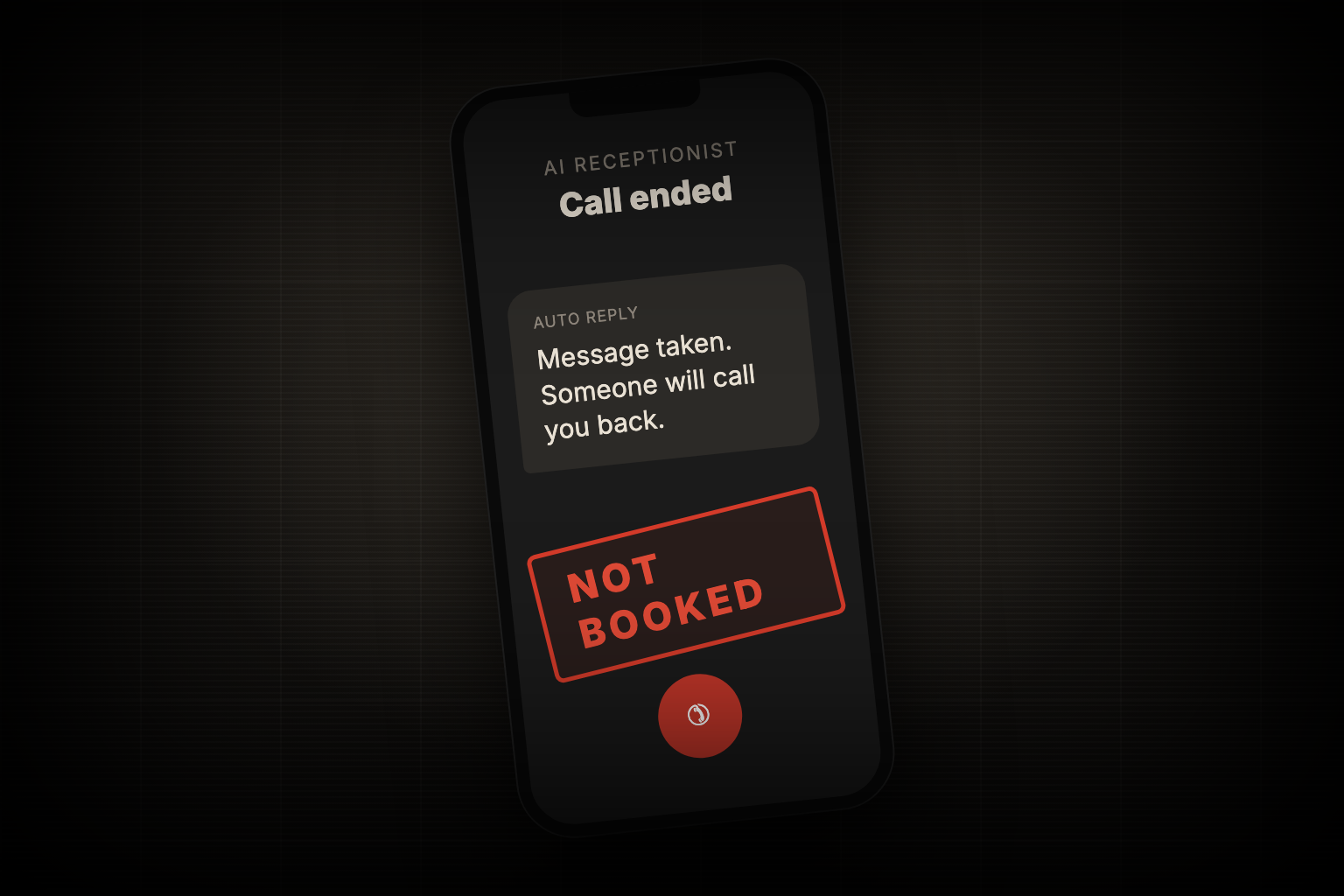
Maybe you already tried an AI receptionist and your office is still calling people back. Maybe you are shopping for one and every demo sounds great. Either way, it helps to know why so many of them disappoint: they answer the phone, but they don't finish the job.
The short answer: an AI receptionist works when it can book the appointment during the call, inside your scheduling software, without a person stepping in. If it can only take a message, you bought a nicer voicemail.
Here are the 7 ways AI receptionists fail, what the ones that work do differently, and what to ask before you buy.
1. They only take messages
Many "AI receptionists" collect a name and a number, then email the office. The caller still waits for a callback. By the time someone calls back, a lot of homeowners have already booked whoever answered first.
What works: the AI books the appointment on the call. The customer hangs up with a date and time, not a promise that someone will call.
Ask the vendor: "Can it book a real appointment on my calendar during the call, or does it send me a message?"
2. They aren't connected to your scheduling software
To book live, the AI has to see your real availability and write the job into the system you already use, like ServiceMinder, Housecall Pro or Jobber. That connection is the hard part, so many vendors skip it. Some connect, but only for simple bookings, and break on anything else.
What works: a direct connection to your system that creates the customer record and the appointment with no retyping. It also handles reschedules and cancellations, not just new bookings.
Ask the vendor: "Which scheduling software do you connect to directly, and can it reschedule and cancel too?"
3. They get the details wrong
One wrong digit in a phone number means you can't reach the customer. A misspelled email means the confirmation never arrives. These mistakes turn booked jobs into no-shows.
What works: the AI reads every number back and asks for spellings ("A as in Apple"). It takes a few extra seconds and saves the job.
Ask the vendor: "Show me a call where it confirms a phone number and an email."
4. They are measured on the wrong number
Almost every AI answers 100% of calls. That number looks great on a dashboard and tells you nothing. The number that matters is how many calls ended with a booked job and no person involved.
What works: tracking bookings per call and how often a call has to go to a person. That number drives every improvement.
Ask the vendor: "What percentage of calls end with a booked appointment, with no human?"
5. They are set up once and left alone
Real callers mumble, interrupt, change their minds and ask things nobody planned for. An AI that never gets updated keeps failing at the same spots, month after month.
What works: someone reviews calls every week and fixes what real callers ran into. Good systems ship small improvements constantly.
Ask the vendor: "Who reviews the calls after launch, and how often do you update it?"
6. They don't know your business
A generic script doesn't know your service area, which jobs you don't take, or when a call needs a person. So it books jobs you can't do, or frustrates callers who needed a human.
What works: the AI knows your service area, your services and your rules, and it hands off to the office only when a caller truly needs a person.
Ask the vendor: "What happens when someone calls from outside my service area, or asks for something you don't do?"
7. They sound like a robot
Long pauses, talking over the caller and a stiff voice make people hang up. If the call feels like a phone tree, many callers won't stay on the line.
What works: a natural voice, quick replies and good turn-taking, tuned on real calls.
Ask the vendor: "Can I hear a few real calls, not a scripted demo?"
What it looks like when it works
The Grout Medic in Naperville replaced an answering service that cost about $2,000 a month and couldn't book anything. Their AI receptionist, Sarah, now books free estimates live in ServiceMinder.
- 1,500+ calls answered
- 750+ estimates booked
- 44% of inbound calls end with a booked appointment
- 4 out of 5 calls never reach staff
- 85+ estimates booked on nights and weekends, calls that used to go to voicemail
Listen to Sarah reschedule an appointment in a 56-second demo call. It takes the request, confirms the number, checks availability and books the new time without a person.
Sarah has shipped more than 150 versions since launch, and each one fixed something a real caller ran into.
Your 7-question checklist
Before you pay for any AI receptionist, ask:
- Can it book a real appointment during the call?
- Which scheduling software does it connect to, and can it reschedule and cancel?
- Does it read back phone numbers and spell out emails?
- What percentage of calls end in a booking with no human?
- Who reviews calls after launch, and how often is it updated?
- How does it handle callers outside my service area?
- Can I hear real calls, not just a demo script?
If the answers are vague, keep looking. This matters most for businesses where every call is a job, like plumbing, HVAC and other home service contractors. For more on what missed calls cost, see how plumbing contractors stop losing jobs to voicemail.
Common questions
Is an AI receptionist better than an answering service? It is when it can book. An answering service takes messages. A well-built AI receptionist books the job during the call, works nights and weekends, and usually costs less.
Will my customers know they are talking to AI? Some will. Most don't mind as long as the call is quick and they hang up with an appointment. Grout Medic's booking calls average 4.8 out of 5 on caller sentiment.
What if a caller needs a real person? A good system hands off to your office when a call truly needs a person. At Grout Medic, that is about 1 in 5 calls.
How long does setup take? A basic setup can take a couple of days. Connecting to your scheduling software and tuning it on real calls is what makes it work, and that continues after launch.
Book a free 15-minute call with our AI team. We will map your call flow and estimate how many jobs voicemail cost you last month.
Free Guide · 15 pages
The Service Business Owner's Guide to AI Phone Answering
Stop losing calls to voicemail. Get the scripts and setup checklist used by plumbing, HVAC, and dental shops.
Which job is costing you the most time right now?
Book a free 15-minute call. We will map your biggest time sinks and show you exactly what to automate first.
Plans from $995/month. No contracts.
Want More AI Implementation Insights?
Browse our complete collection of practical AI guides, case studies, and implementation frameworks.
View All Articles